> ## Documentation Index
> Fetch the complete documentation index at: https://translations.mintlify.site/llms.txt
> Use this file to discover all available pages before exploring further.
> Auth0 Dashboard を使用してアプリケーションの署名アルゴリズムを変更する方法について説明します。
# アプリケーションの署名アルゴリズムを変更する
Auth0 Dashboard を使用して、アプリケーションの署名アルゴリズムを変更できます。
1. [Auth0 Dashboard > アプリケーション > アプリケーション](https://manage.auth0.com/#/applications) に移動し、表示するアプリケーションを選択します。
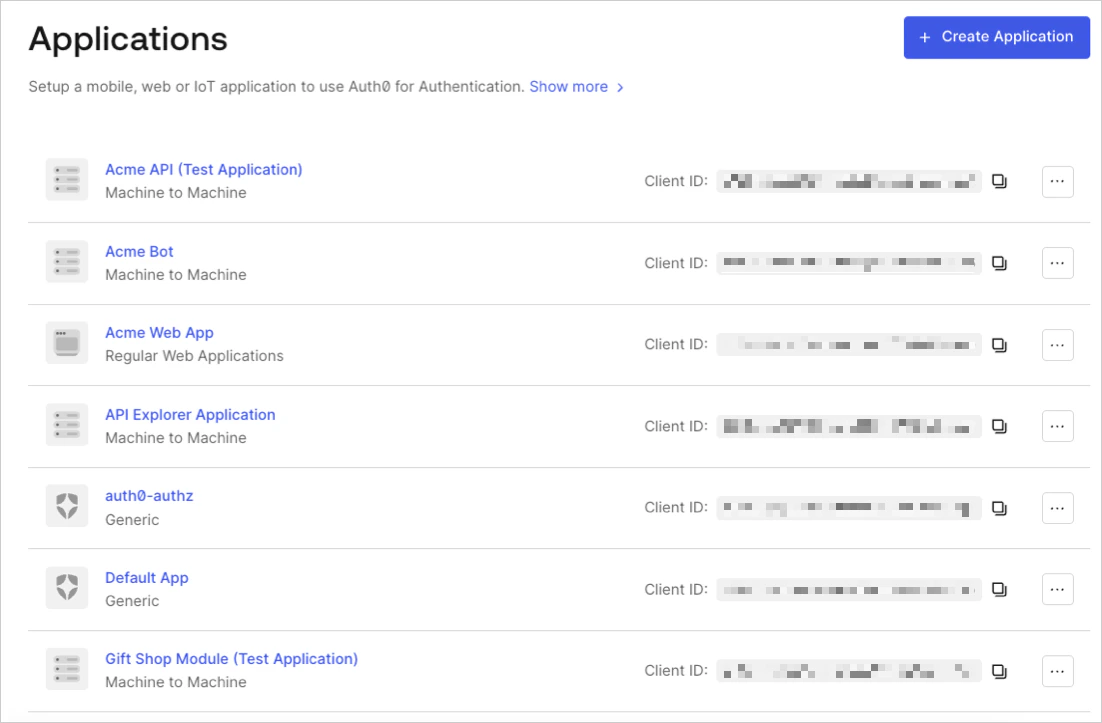 2. **設定** タブの一番下までスクロールし、**詳細設定を表示** を選択します。
3. **OAuth** タブに移動します。
2. **設定** タブの一番下までスクロールし、**詳細設定を表示** を選択します。
3. **OAuth** タブに移動します。
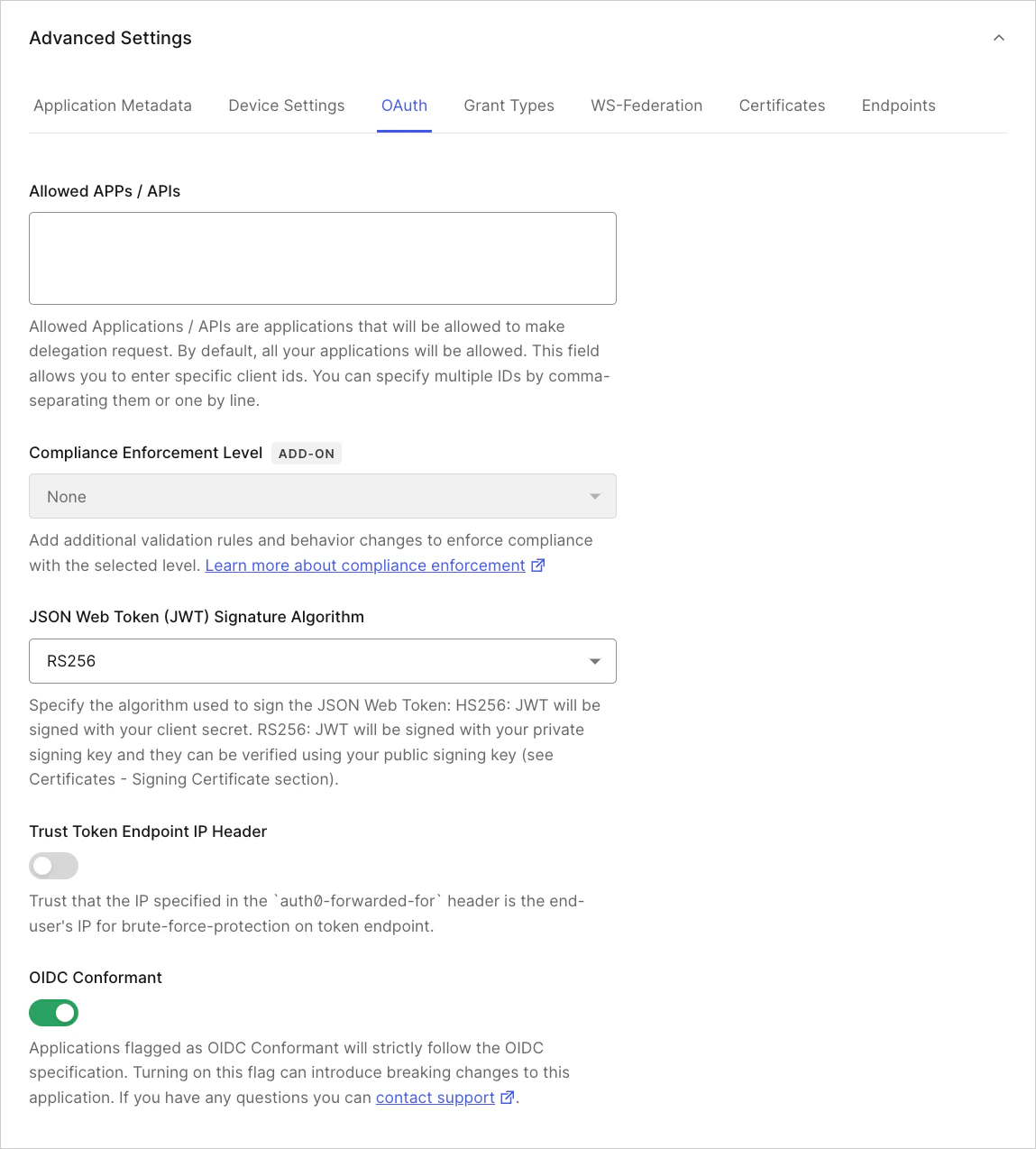 4. **JsonWebToken Signature Algorithm** を探し、アプリケーションに適した署名アルゴリズムを選択します。
5. **変更を保存** をクリックします。
4. **JsonWebToken Signature Algorithm** を探し、アプリケーションに適した署名アルゴリズムを選択します。
5. **変更を保存** をクリックします。
## 詳しくはこちら
* [署名鍵](/docs/ja-jp/get-started/tenant-settings/signing-keys)
* [署名証明書を表示](/docs/ja-jp/get-started/tenant-settings/signing-keys/view-signing-certificates)
* [署名鍵のローテーション](/docs/ja-jp/get-started/tenant-settings/signing-keys/rotate-signing-keys)
* [署名鍵の取り消し](/docs/ja-jp/get-started/tenant-settings/signing-keys/revoke-signing-keys)
* [署名アルゴリズム](/docs/ja-jp/get-started/applications/signing-algorithms)