> ## Documentation Index
> Fetch the complete documentation index at: https://translations.mintlify.site/llms.txt
> Use this file to discover all available pages before exploring further.
> Teams インスタンスに表示されない テナント や認識されない Tenant 管理者 など、一般的な Auth0 Teams の問題をトラブルシューティングします。
# Teams のトラブルシューティング
サービスを中断なく利用できるよう、Auth0 Teams のメンバーシップに関する問題のトラブルシューティングに役立つ情報を以下にまとめています。
## 表示されないテナントを追加する
セルフサービスのサブスクリプションプランをご利用で、Teams インスタンスにテナントが表示されない場合は、[サブスクリプション](/docs/ja-jp/troubleshoot/customer-support/manage-subscriptions)の詳細を確認してください。
1. まず、テナントのサブスクリプションを確認し、[サブスクリプション](/docs/ja-jp/troubleshoot/customer-support/manage-subscriptions)の詳細を確認します。
2. [テナントをリンクする](/docs/ja-jp/get-started/auth0-teams/tenant-management)ガイドに従って、テナントのリンクを試します。
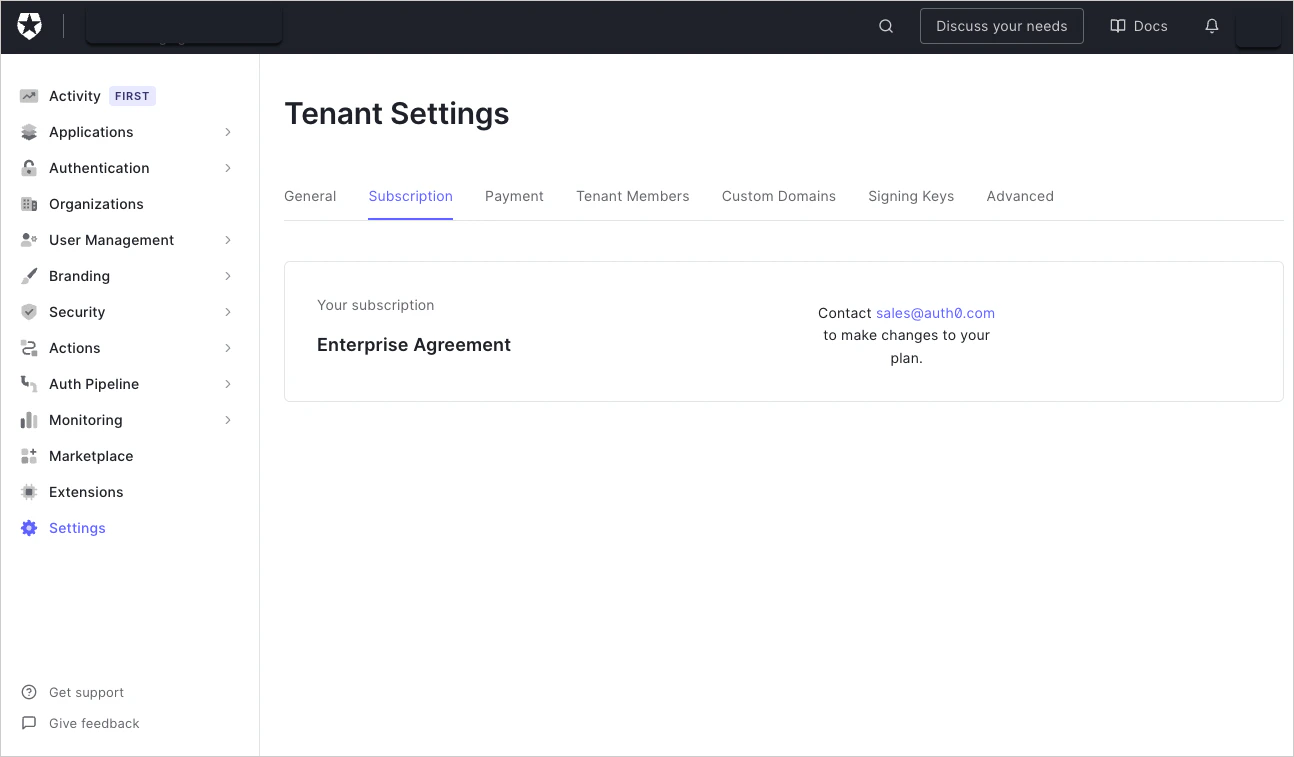
サブスクリプションが Enterprise Agreement で、Teams インスタンスに含まれていない場合は、テナントの追加について [Auth0 Support](http://support.auth0.com) にお問い合わせください。
## 認識できない管理者を削除する
テナント に Tenant 管理者として表示されているものの、本来表示されるべきではない場合:
1. あなたが Team Owner であり、かつその テナント の管理者でもある場合は、その管理者を削除するために、その テナント の Auth0 Dashboard にアクセスしてください。詳しくは、[Team メンバーの管理](/docs/ja-jp/get-started/auth0-teams/team-member-management)をご覧ください。
2. テナント 管理者に依頼して、その テナント から当該管理者を削除してもらいます。