> ## Documentation Index
> Fetch the complete documentation index at: https://translations.mintlify.site/llms.txt
> Use this file to discover all available pages before exploring further.
> このドキュメントでは、Universal Login とパスワードレス接続のサポートについて説明します。
# Universal Login でのパスワードレス
* パスワードレス接続を設定します。設定方法については、以下の記事を参照してください。
* [メールアドレスによるパスワードレス認証](/ja/docs/authenticate/passwordless/authentication-methods/email-otp)
* [マジックリンクによるパスワードレス認証](/ja/docs/authenticate/passwordless/authentication-methods/email-magic-link)
* [SMS によるパスワードレス認証](/ja/docs/authenticate/passwordless/authentication-methods/sms-otp)
Universal Login エクスペリエンスでは、[パスワードレス接続](/ja/docs/authenticate/passwordless)をサポートしています。これにより、ユーザーは電話番号またはメールアドレスを入力し、認証を完了するためのワンタイムパスワード (OTP) を受け取ることができます。
## Universal Login でパスワードレスを有効にする
パスワードレス 接続をサポートするように Universal Login を設定するには、Authentication Profile がサポート対象のログインフローを使用するように設定し、認証時に接続を指定するようアプリケーションを更新する必要があります。
### Identifier First を有効化する
Auth0 Dashboard で、[Authentication > Authentication Profile.](https://manage.auth0.com/?/authentication-profiles) に移動します。
**Identifier First** または **Identifier First + Biometrics** を選択します。
### アプリケーションを更新する
アプリケーションで有効になっている接続の種類によっては、ログイン時にパスワードレス接続を指定するようにアプリケーションを更新する必要があります。
| Database connection | Passwordless connection | Need to specify? | User experience |
| ------------------- | ----------------------- | ---------------- | ----------------------------------------------- |
| はい | SMS または Email | はい | 指定したパスワードレス接続がログイン時に表示されます。 |
| いいえ | SMS と Email | いいえ | 最初に作成されたパスワードレス接続が表示されます。 |
| いいえ | SMS または Email | いいえ | パスワードレス接続が、ログイン時に (有効になっているソーシャル接続とともに) 表示されます。 |
ログイン時にパスワードレス接続を指定するには、`connection` パラメーターとその値 (`sms` または `email`) を [Auth0 Authentication API Login endpoint](https://auth0.com/docs/api/authentication#login) に渡す必要があります。
`https://mytenant.us.auth0.com/authorize?client_id={id}&``connection={sms|email}``&scope=…&response_type=code&response_mode=query&state=…&redirect_uri=http%3A%2F%2Flocalhost%3A3000&code_challenge=…`
いずれかの SDK を使用している場合は、初期化時にパスワードレス接続を指定できます。例:
```js lines theme={null}
auth0 = await createAuth0Client({
domain: config.domain,
client_id: config.clientId,
connection: "email"
});
auth0 = await createAuth0Client({
domain: config.domain,
client_id: config.clientId,
connection: "sms"
});
```
Universal Login でパスワードレスと[シングルサインオン](/ja/docs/authenticate/single-sign-on)を使用している場合、接続パラメーター `sms` と `email` は既存の Auth0 セッションを利用しないため、ユーザーにはログインが求められます。
### 接続をテストする
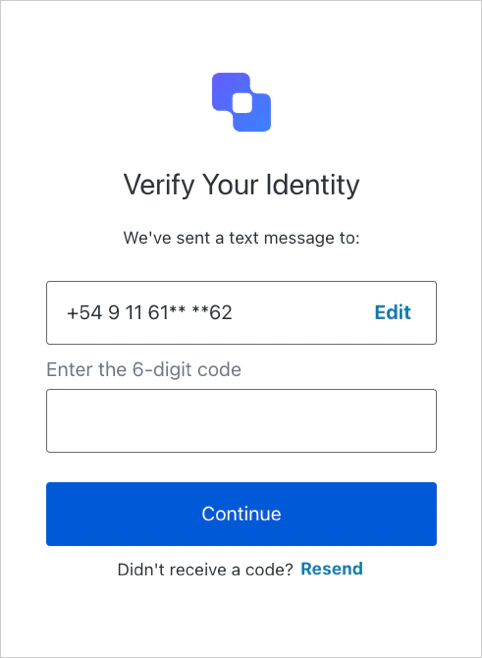
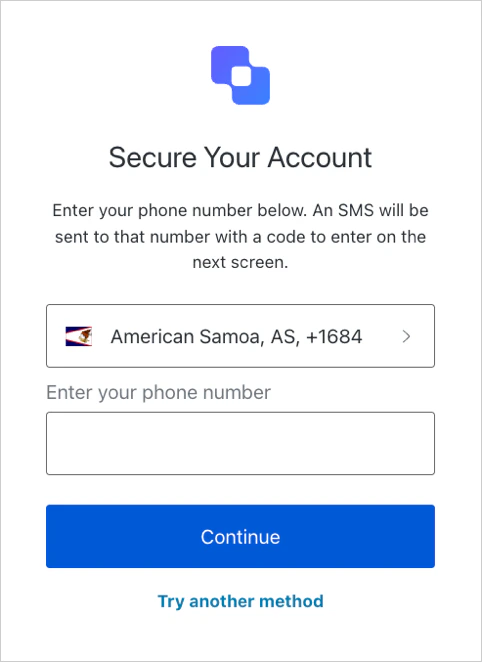
ユーザーにOTPの入力を求めると、次のいずれかの画面が表示されます。
### サインアップ
### ログイン