> ## Documentation Index
> Fetch the complete documentation index at: https://translations.mintlify.site/llms.txt
> Use this file to discover all available pages before exploring further.
> Auth0 Dashboard を使用して Hooks のログを表示する方法を説明します。
# Hooks のログを表示する
Rules と Hooks の提供終了 (EOL) 日は **2026 年 11 月 18 日** です。また、**2023 年 10 月 16 日** 以降に作成された新規テナントでは、これらはすでに利用できません。既存のテナントで Hooks が有効になっている場合は、提供終了日まで Hooks へのアクセスが維持されます。
Auth0 を拡張するには、Actions の使用を強くお勧めします。Actions では、豊富な型情報、インラインドキュメント、公開 `npm` パッケージを利用できるほか、拡張機能の利用体験全体を向上させる外部統合にも接続できます。Actions の機能の詳細については、[Understand How Auth0 Actions Work](/ja/docs/customize/actions/actions-overview) を参照してください。
移行を支援するために、[Rules から Actions への移行](/ja/docs/customize/actions/migrate/migrate-from-rules-to-actions) と [Hooks から Actions への移行](/ja/docs/customize/actions/migrate/migrate-from-hooks-to-actions) のガイドを提供しています。また、機能比較、[Actions のデモ](https://www.youtube.com/watch?v=UesFSY1klrI)、および移行に役立つその他のリソースを紹介する専用ページ [Move to Actions](https://auth0.com/extensibility/movetoactions) も用意しています。
Rules と Hooks の非推奨化の詳細については、ブログ記事 [Preparing for Rules and Hooks End of Life](https://auth0.com/blog/preparing-for-rules-and-hooks-end-of-life/) を参照してください。
2026 年に Rules 関数と Hooks 関数を削除する予定のため、新しい Rules または Hooks は、Development 環境でのみ、かつ Actions への移行をテストする目的でのみ作成してください。
Rules を Actions に移行する方法については、[Migrate from Rules to Actions](/ja/docs/customize/actions/migrate/migrate-from-rules-to-actions) を参照してください。Hooks を Actions に移行する方法については、[Migrate from Hooks to Actions](/ja/docs/customize/actions/migrate/migrate-from-hooks-to-actions) を参照してください。
Dashboard では、hooks のリアルタイムログ情報 (rules、actions、カスタムデータベーススクリプト、カスタムソーシャル接続を含む) を表示できます。
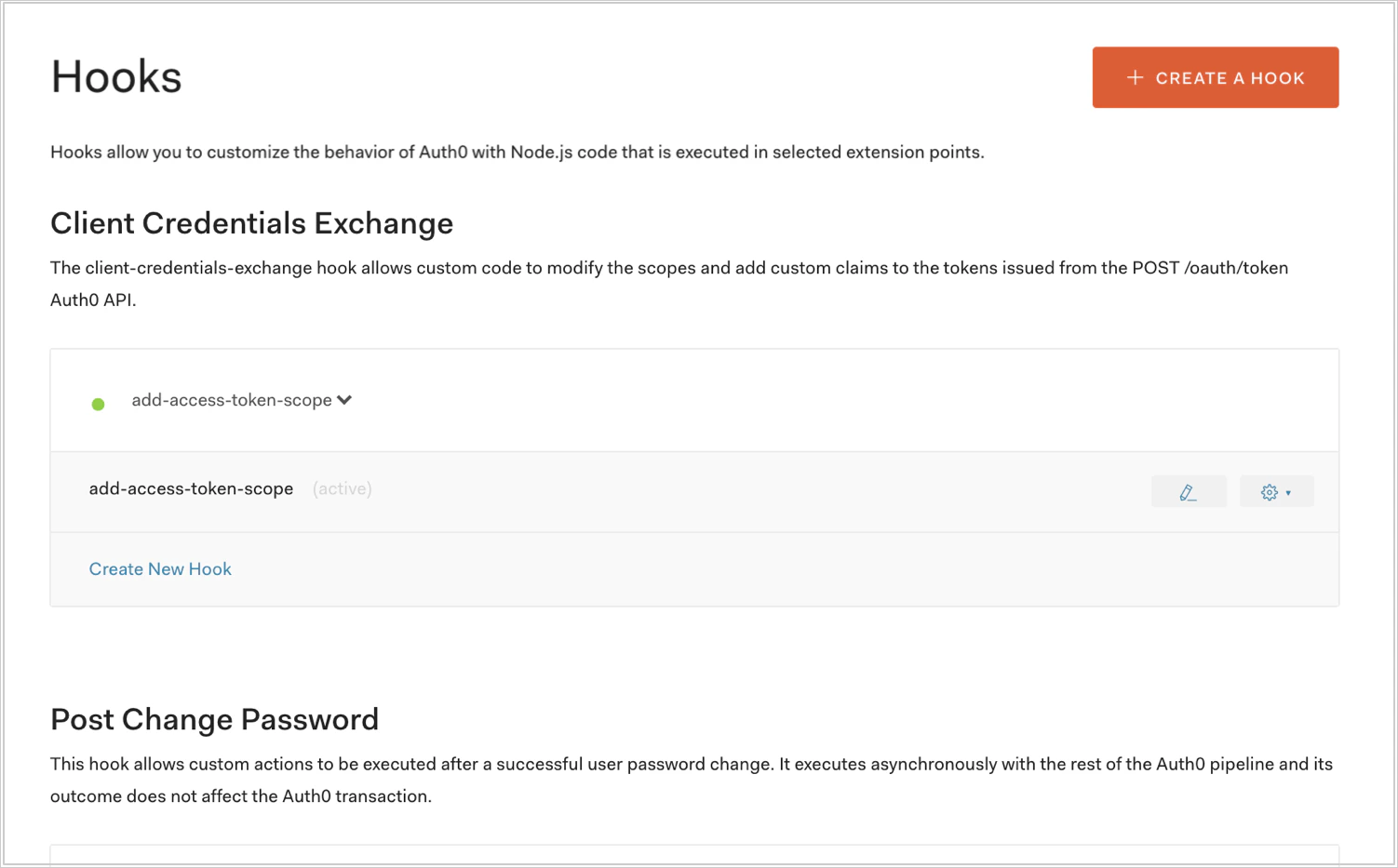
1. [Auth0 Dashboard > Auth Pipeline > Hooks](https://manage.auth0.com/#/) に移動し、Hook の横にある鉛筆アイコンを選択します。
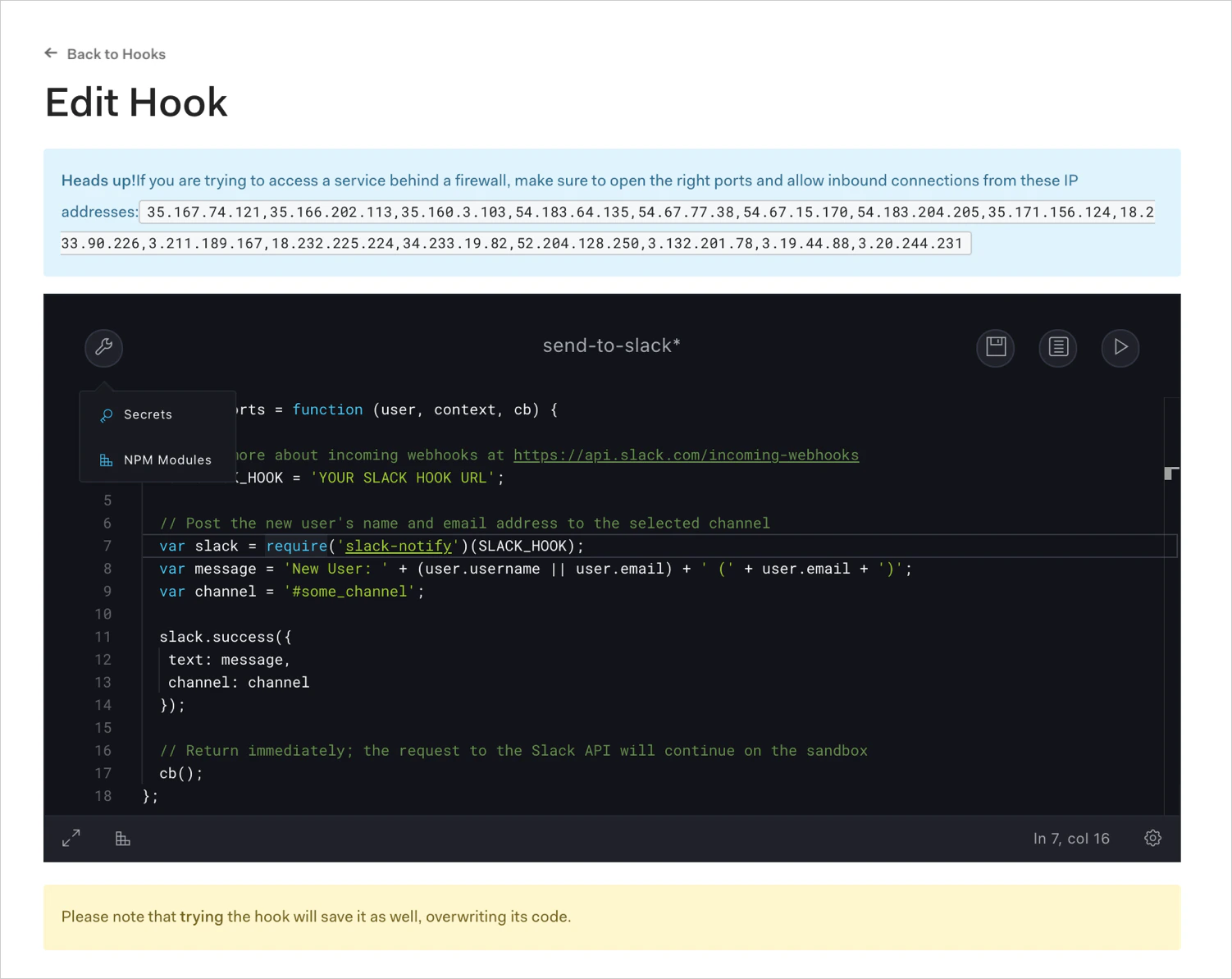
 2. Hooks Editor の右上で、ログアイコンを選択します。