

 Authenticate
 Manage Users
 Customize
 Platform
- Auth0 CLI to provision and configure an application and a portal using a single command.
- Auth0 Agent Skills to ask your favorite AI assistant to provision and configure an application and a portal.
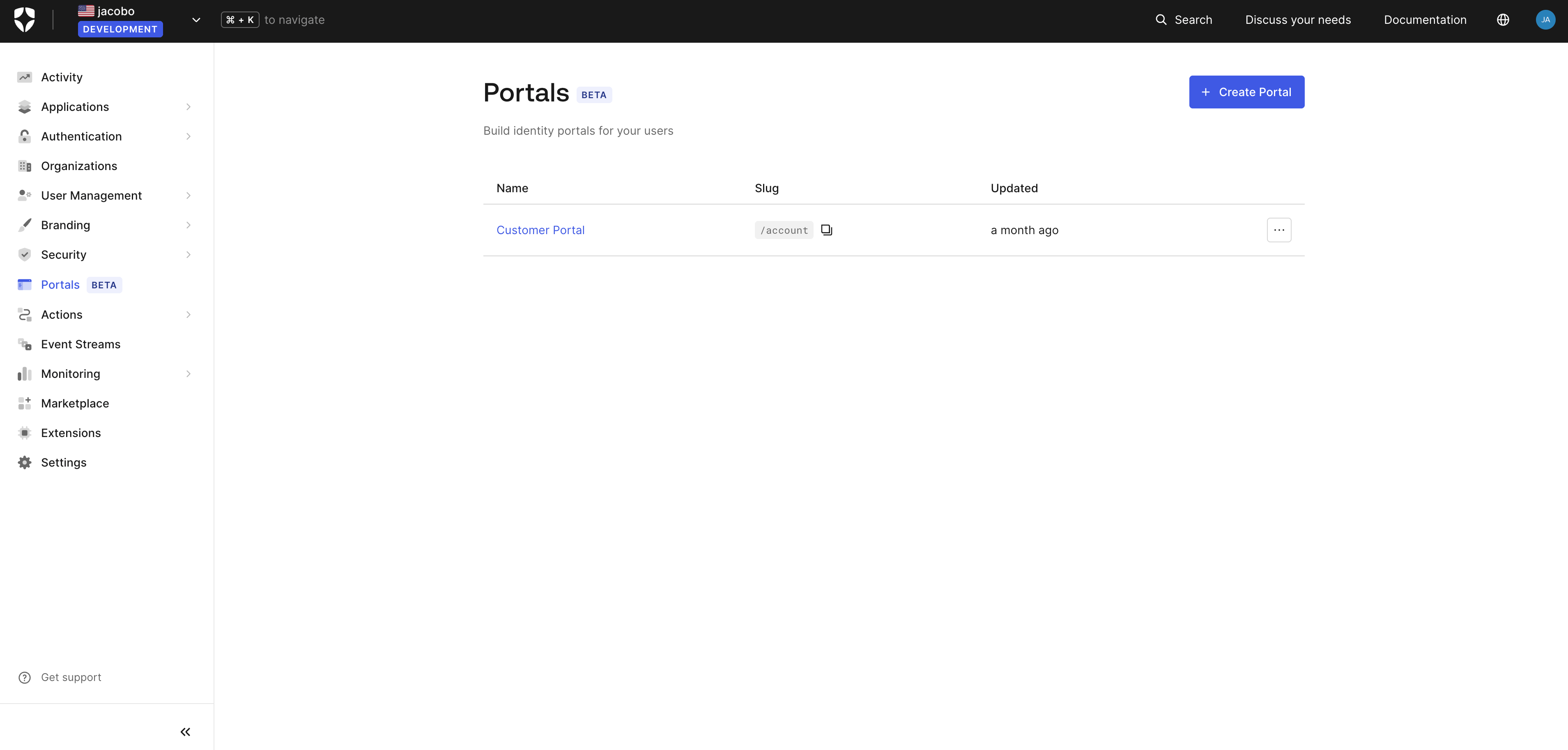
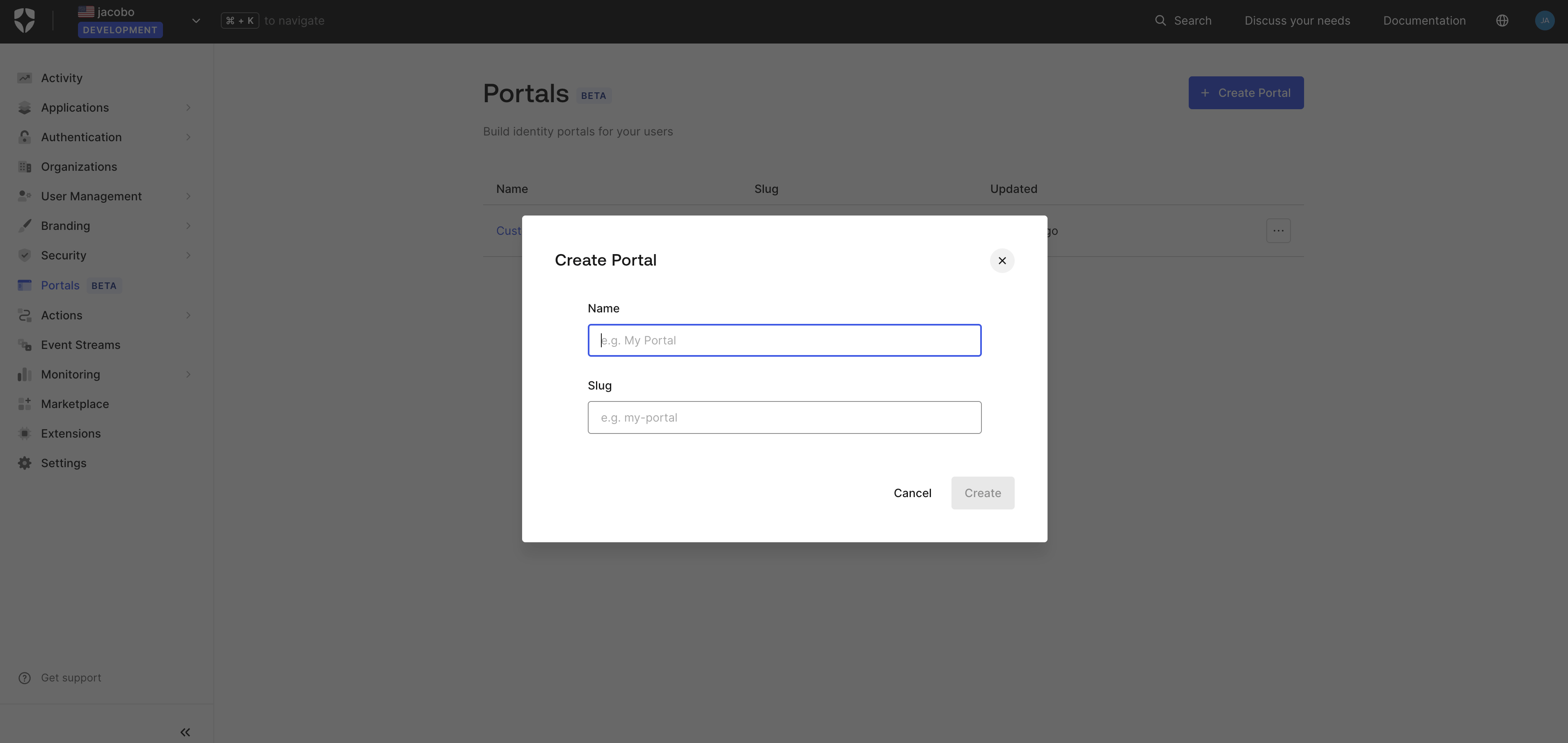
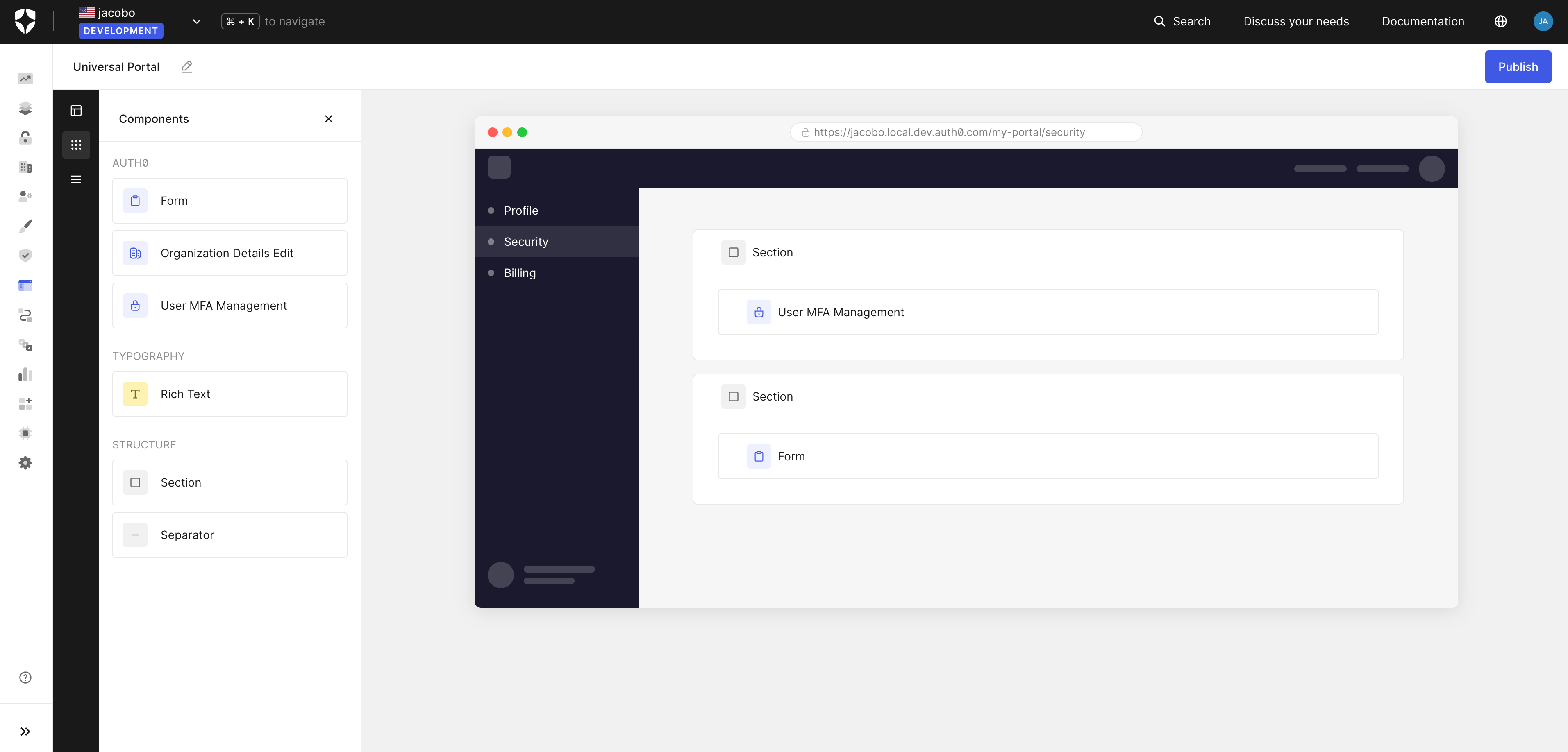
- The Auth0 Dashboard using step-by-step instructions to build an application and a portal.
Prerequisites
- A Development Auth0 tenant provisioned with Universal Portals beta access.
- Auth0 CLI
- Auth0 Agent Skills
- Auth0 Dashboard
Step 1: Install the Auth0 CLI Beta
Follow the installation instructions for your platform, then authenticate with your tenant:Step 2: Run the setup command
auth0-beta up setup. The Auth0 CLI command creates:- My Account API: resource server for user account operations
- My Organization API: resource server for organization management operations
- A Regular Web App: the application linked to your portal
- Three client grants: scoped access for My Account, My Organization, and Management API operations
- A portal: pre-configured with a default template so you can start testing immediately
Learn more
Universal Portals overview
Learn about Universal Portals, use cases, how it works, and key features.
Universal Components
Learn about Universal Components library used in portals.
Auth0 Forms
Learn about Forms to collect information from end-users, such as profile updates, policy acceptance, and marketing communication preferences in portals.