認証
認証 ユーザー管理
 カスタマイズ
 プラットフォーム
始める前に
- Passwordless 接続を設定します。設定方法については、以下の記事を参照してください。
Universal Login で Passwordless を有効にする
Identifier First を有効にする
アプリケーションを更新する
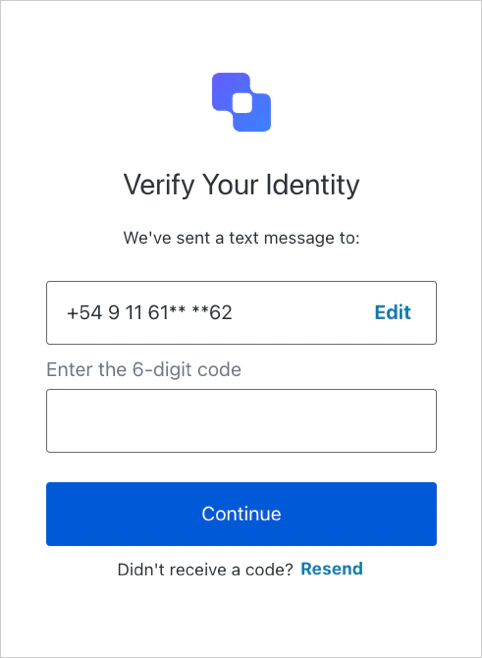
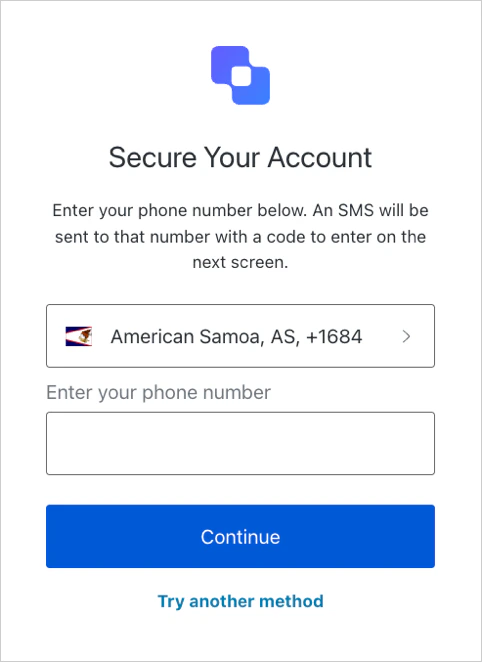
ログイン時に Passwordless 接続を指定するには、Auth0 Authentication API の Login エンドポイントに
connection パラメーターとその値 (sms または email) を渡す必要があります。
https://mytenant.us.auth0.com/authorize?client_id={id}&``connection={sms|email}``&scope=…&response_type=code&response_mode=query&state=…&redirect_uri=http%3A%2F%2Flocalhost%3A3000&code_challenge=…
いずれかの SDK を使用している場合は、初期化時に Passwordless 接続を指定できます。たとえば、次のようにします。
Universal Login と Single Sign-On で Passwordless を使用している場合、接続パラメーター
sms と email では既存の Auth0 セッションは利用されないため、ユーザーはログインを求められます。接続をテストする
サインアップ
ログイン