

 認証
認証 ユーザー管理
 カスタマイズ
 プラットフォーム
Apple Team ID と Bundle Identifier を確認する
- Apple Team ID を確認するには、Apple developer account summary page にアクセスします。
- iOS アプリケーションの Bundle Identifier を確認するには、Xcode project settings ページを開きます。
Apple Team IDとBundle IdentifierをAuth0に設定する
-
Auth0 Dashboard > アプリケーション > アプリケーション に移動し、対象のアプリケーション名を選択します。
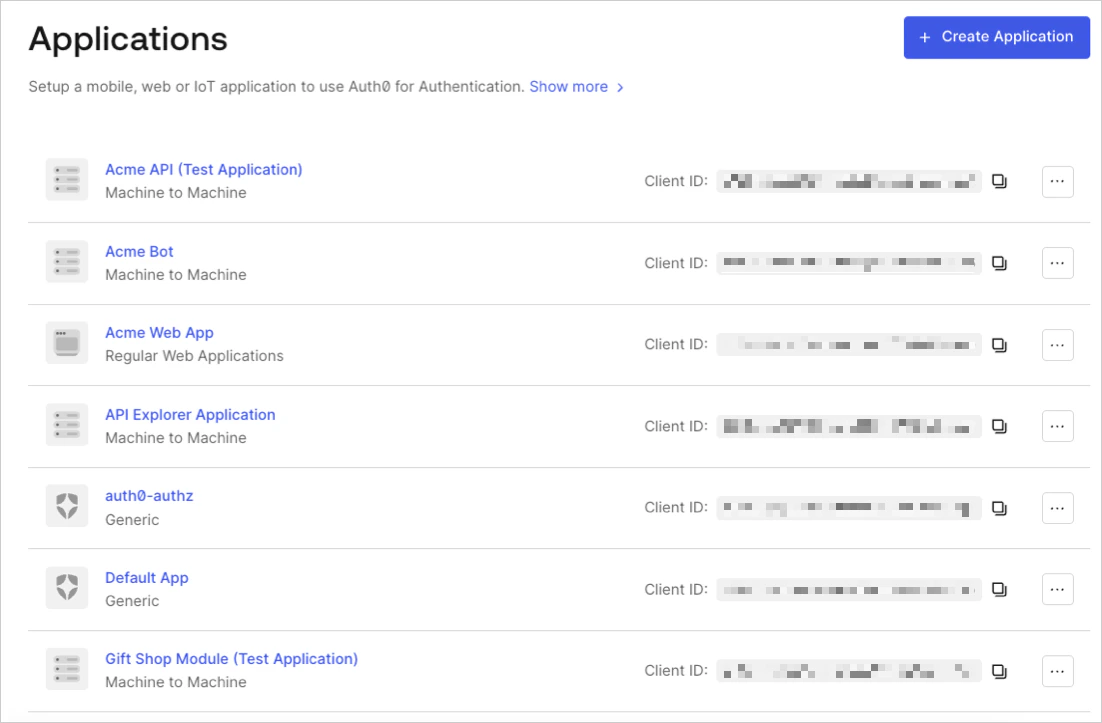
- 設定ページの最下部までスクロールし、Show Advanced Settings を選択します。
-
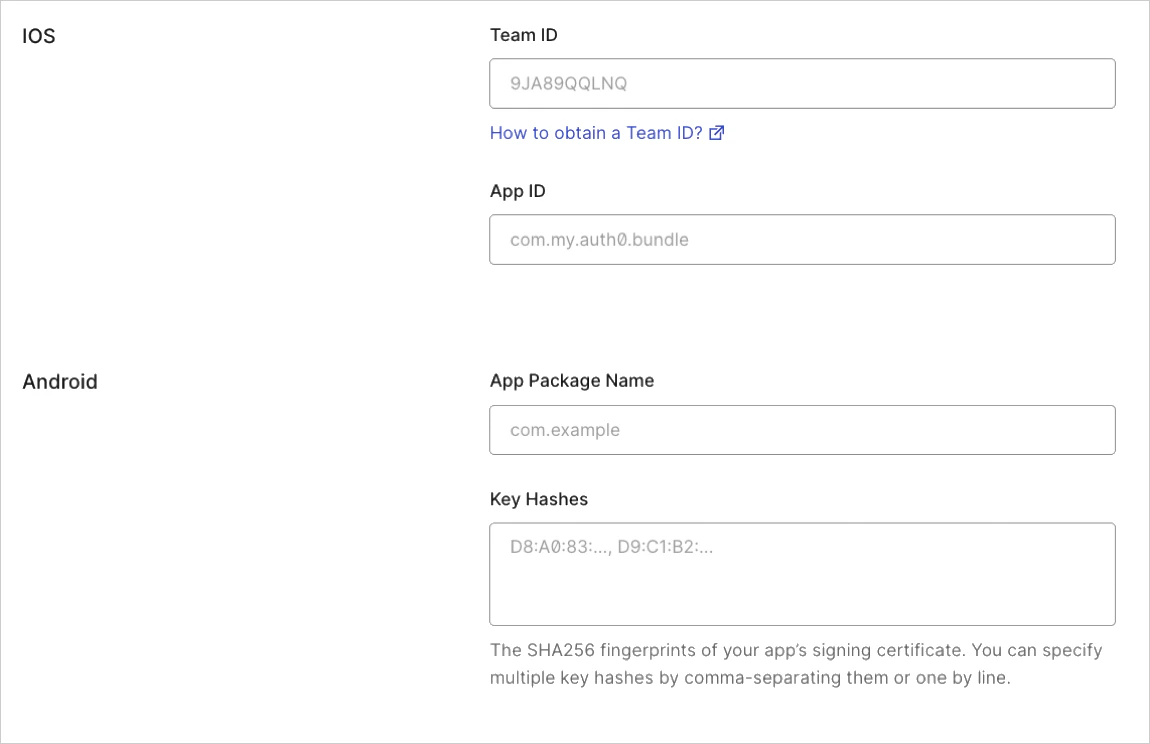
Device Settings を選択し、iOSアプリケーションの Team ID と App bundler identifier の値を入力して、変更を保存 を選択します。
リンクをテストする
apple-app-site-association ファイルがお使いのアプリケーションで Universal Links 用に利用可能かどうかを確認します: {yourDomain}/apple-app-site-association
リンクが正しく設定されていれば、次の JSON が表示されます (読みやすさのために整形しています) :